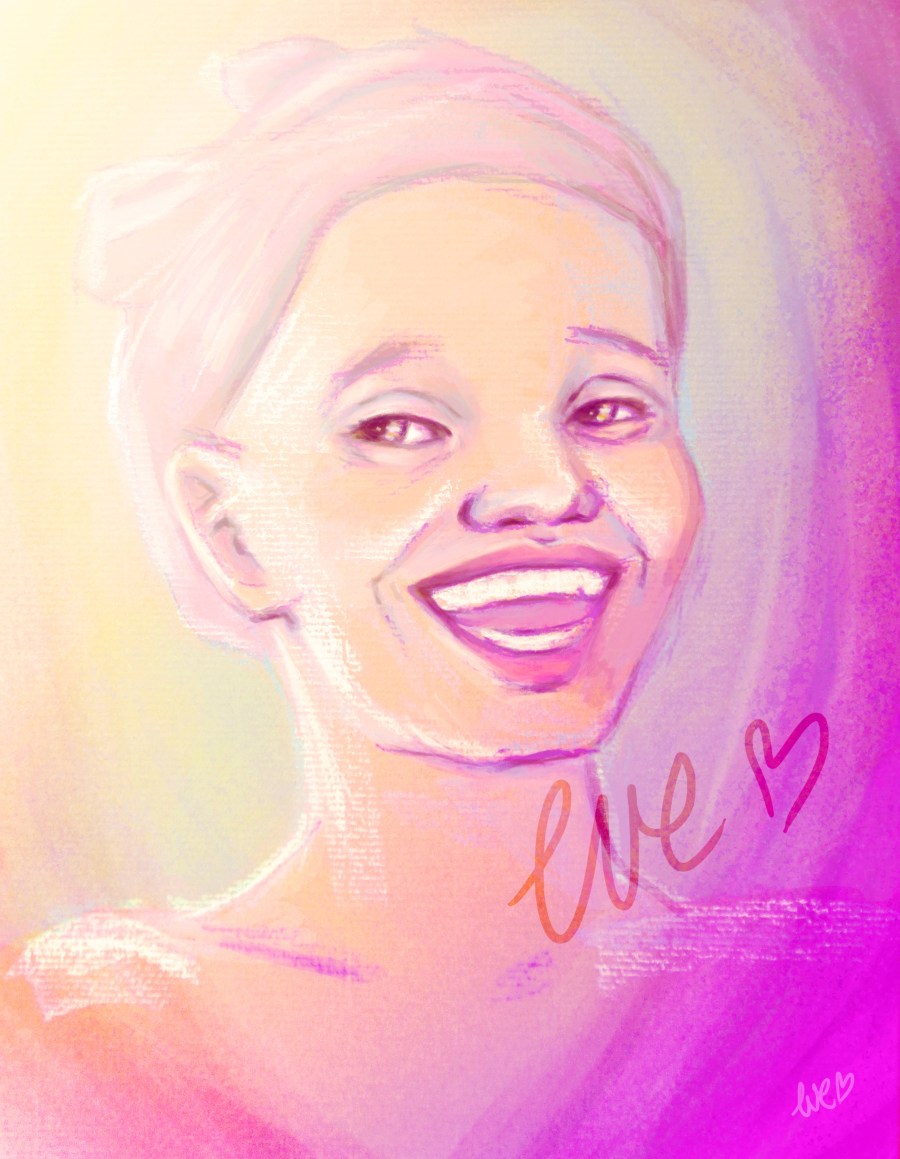
Self portrait tutorial

Hi cuties! It is tutorial time 🙂

This time I made a step-by-step tutorial of my latest selfportrait.

1. Pick a suitable photo of yourself: In the picture below the background is a bit messy, but the light on my face is good. No make-up photo’s usually are better to work with!
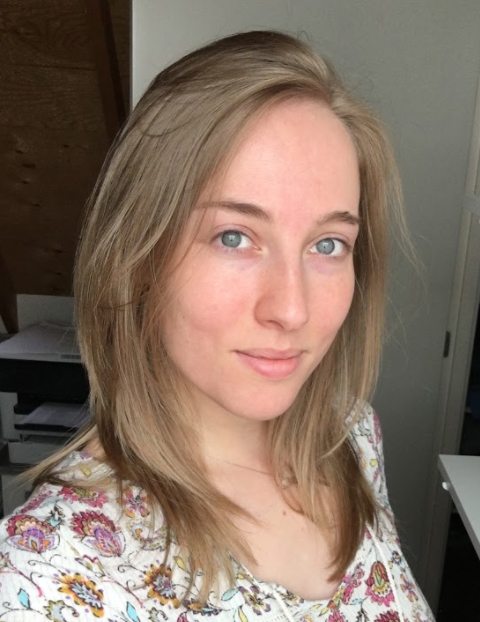
self

2. Start with your base ( base background and raster; check this photo reference tutorial to see how : Reference tutorial) and set up your basic facial features. I started with an orange base to ensure a warm skin tones. Then I chose a complementary blue as background colour.
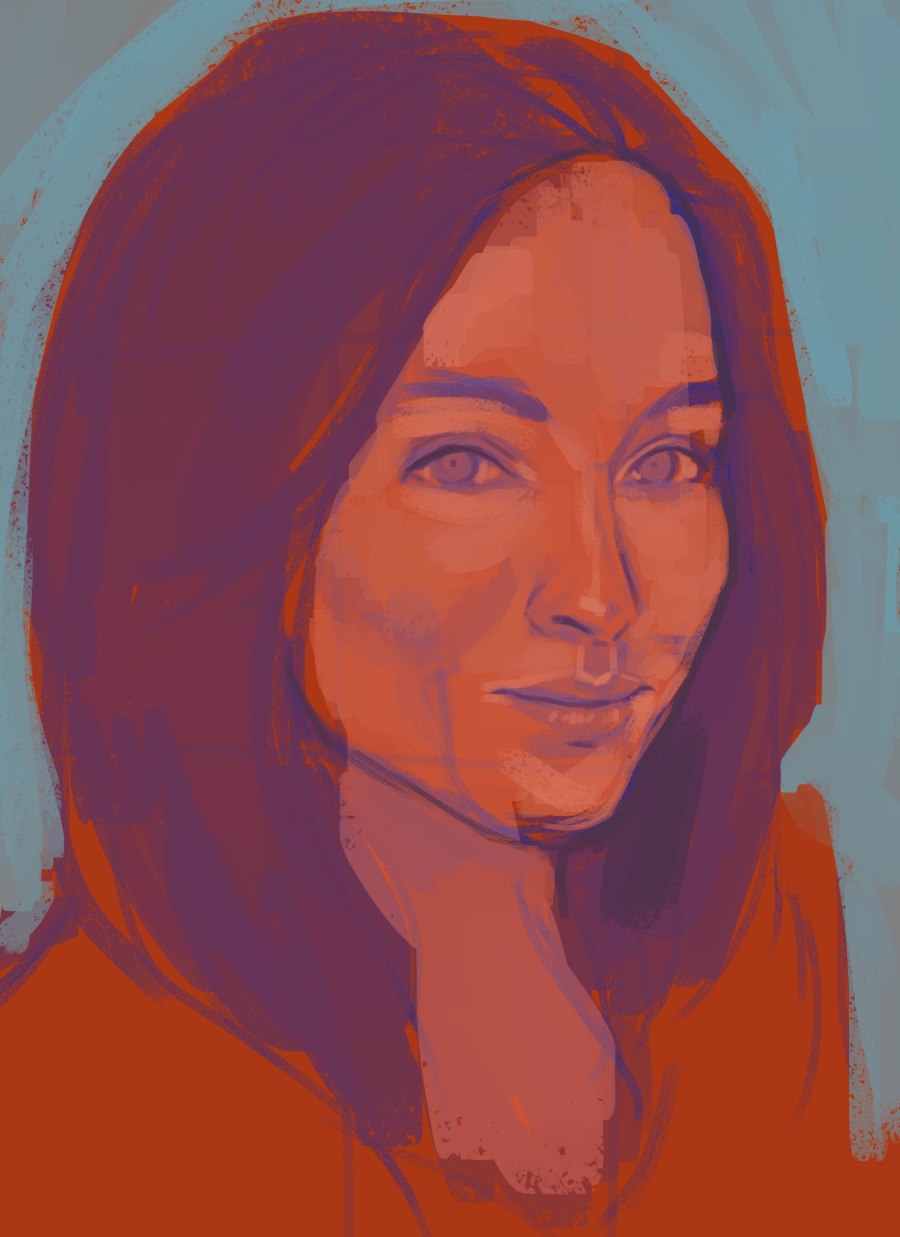
1

3. Next I brightened the colours more and added some highlights. As you can see, the base colour of the hair is a purple hue, which would seem odd at first. But is really works as a base colour!
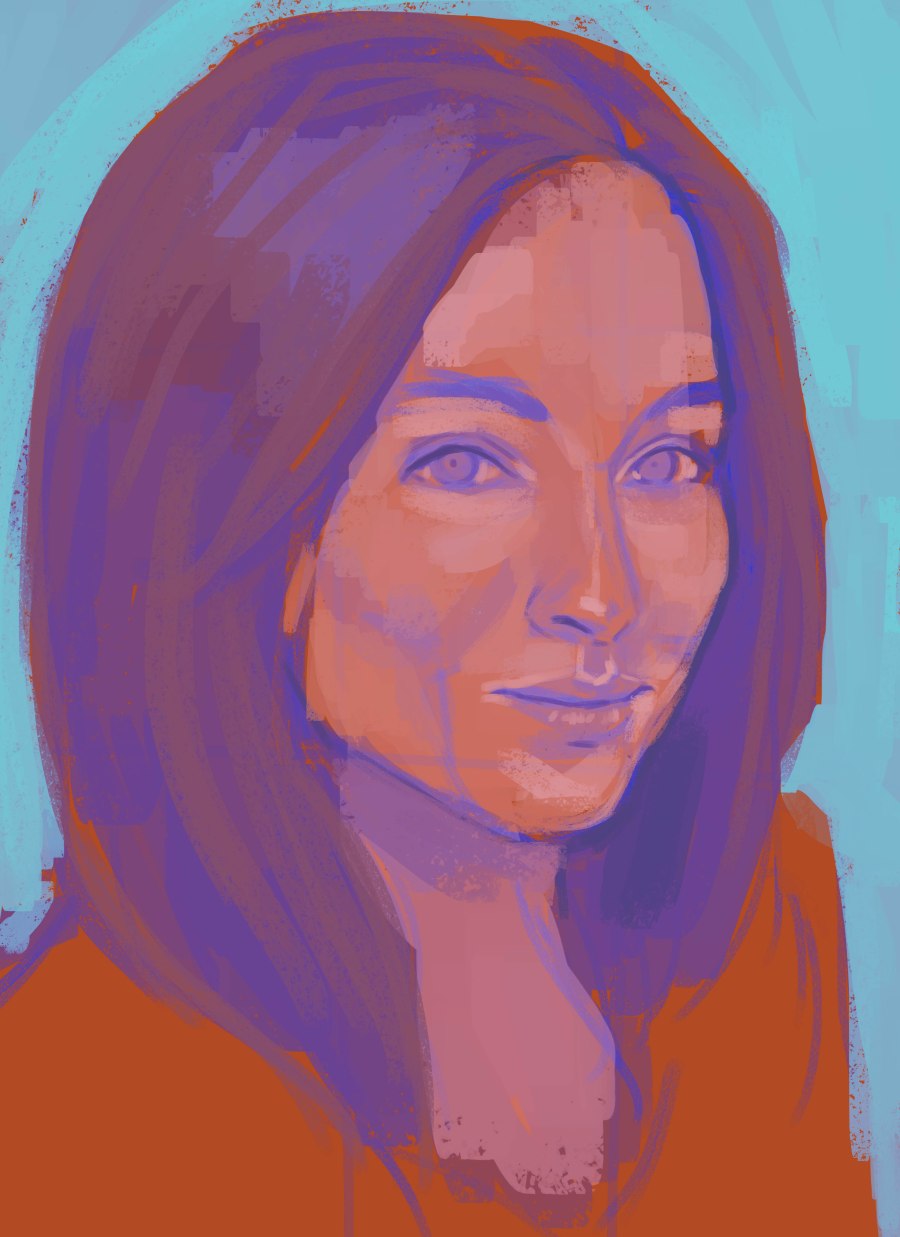
2

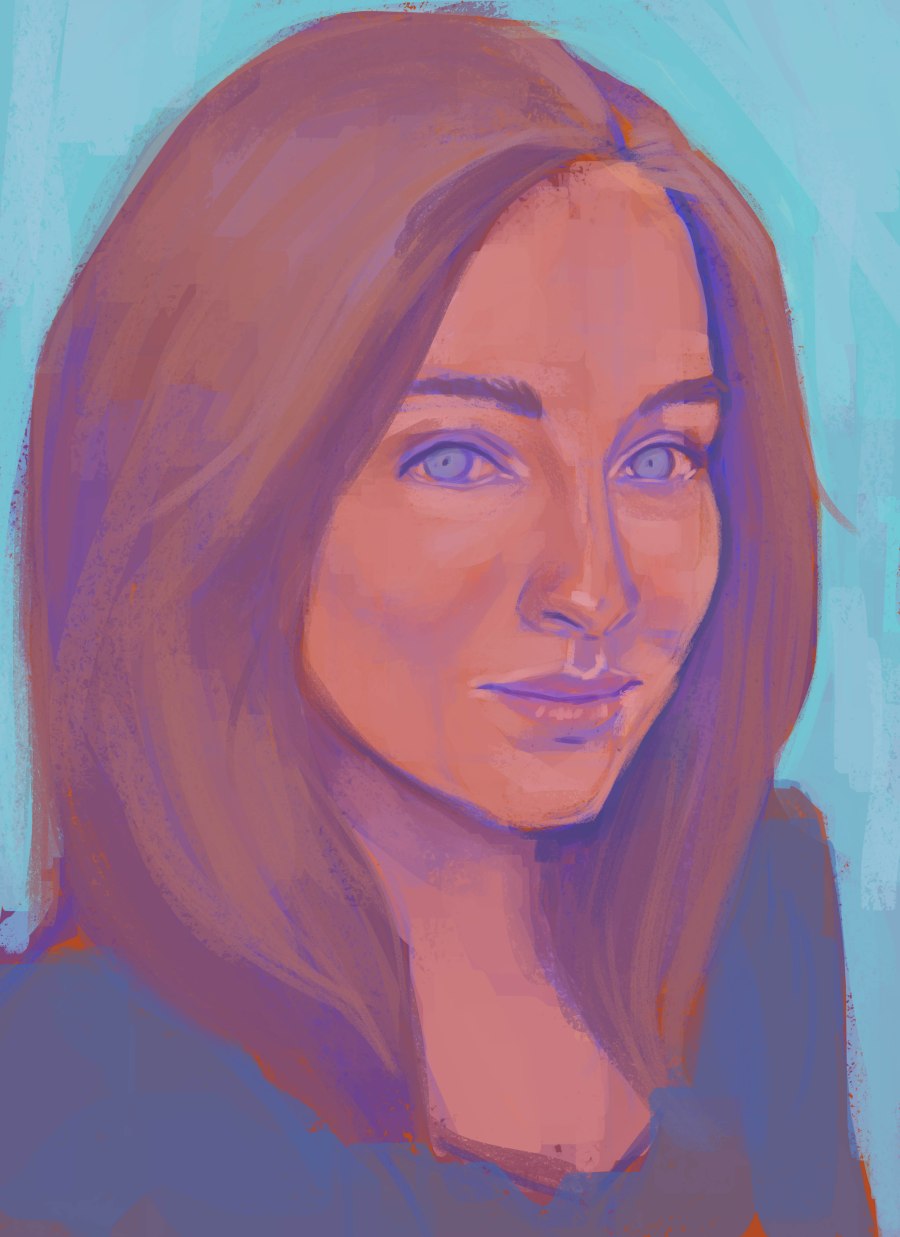
4. Time to define the colours! Below you can see the hair evolving from a purple colour to a blonde shade by applying lighter red/brown colours on top of the base. I also smoothed the skintones and gave the dress another colour (which worked better with the background)
3

5. It is color dodge time! The previous image lacked brightness and contrast. which I added in this step. Also, I added more colour dynamics by color dodging (to see how you can color dodge, click here: Color Dodge )

5

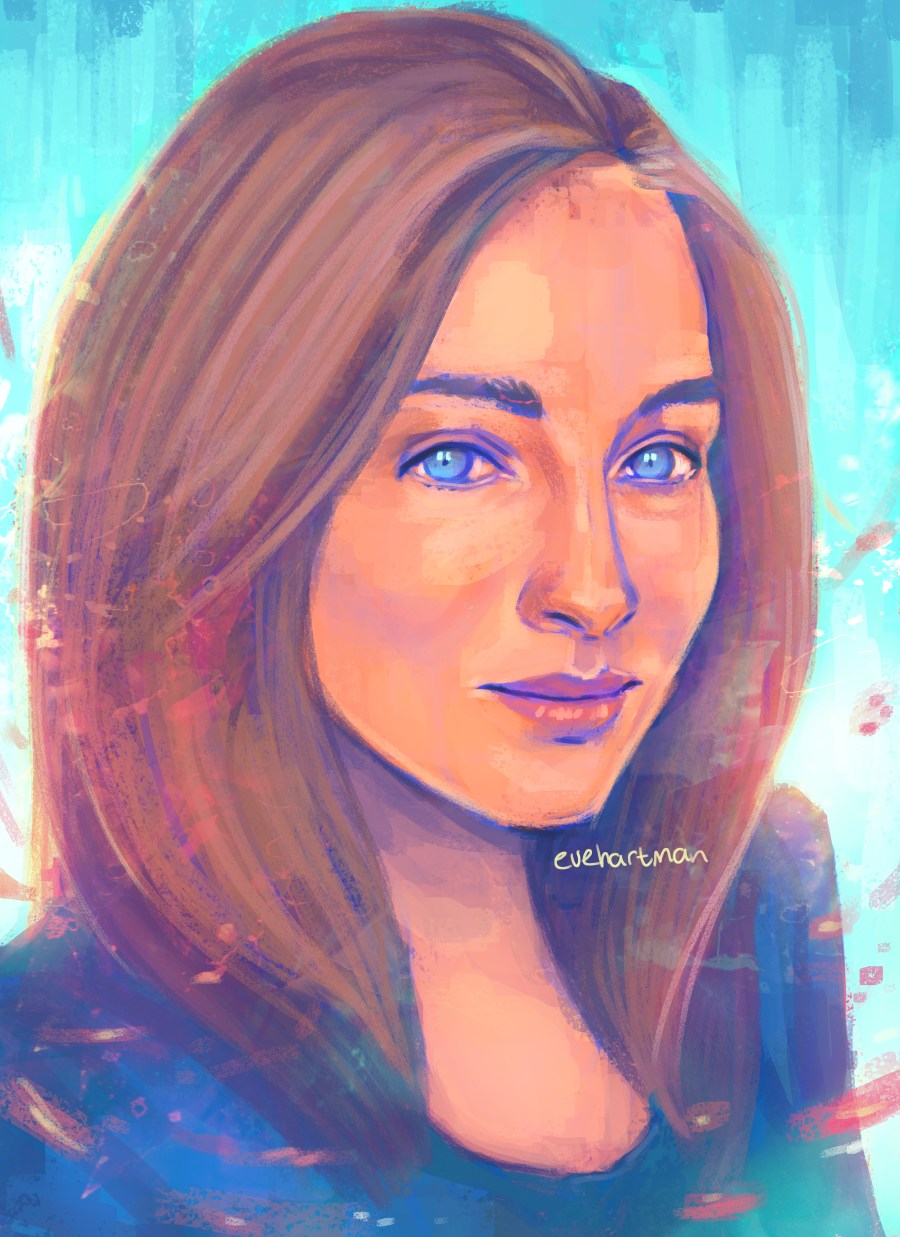
6. Next step is adding textures for colour dynamics. I was able to add a popping pink colour.  (To see how I apply textures, click here: Texture tutorial )6

7.  And add finishing touches to complete your portrait!
me

Hope you guys find this helpfull! I would recommend you check out the following tutorials as well to get a better sense of my drawing process:

Original & Composition – Study Tutorial – Base tutorial – Reference tutorial

Love, Eve
New Artwork coming

Sherlock Holmes

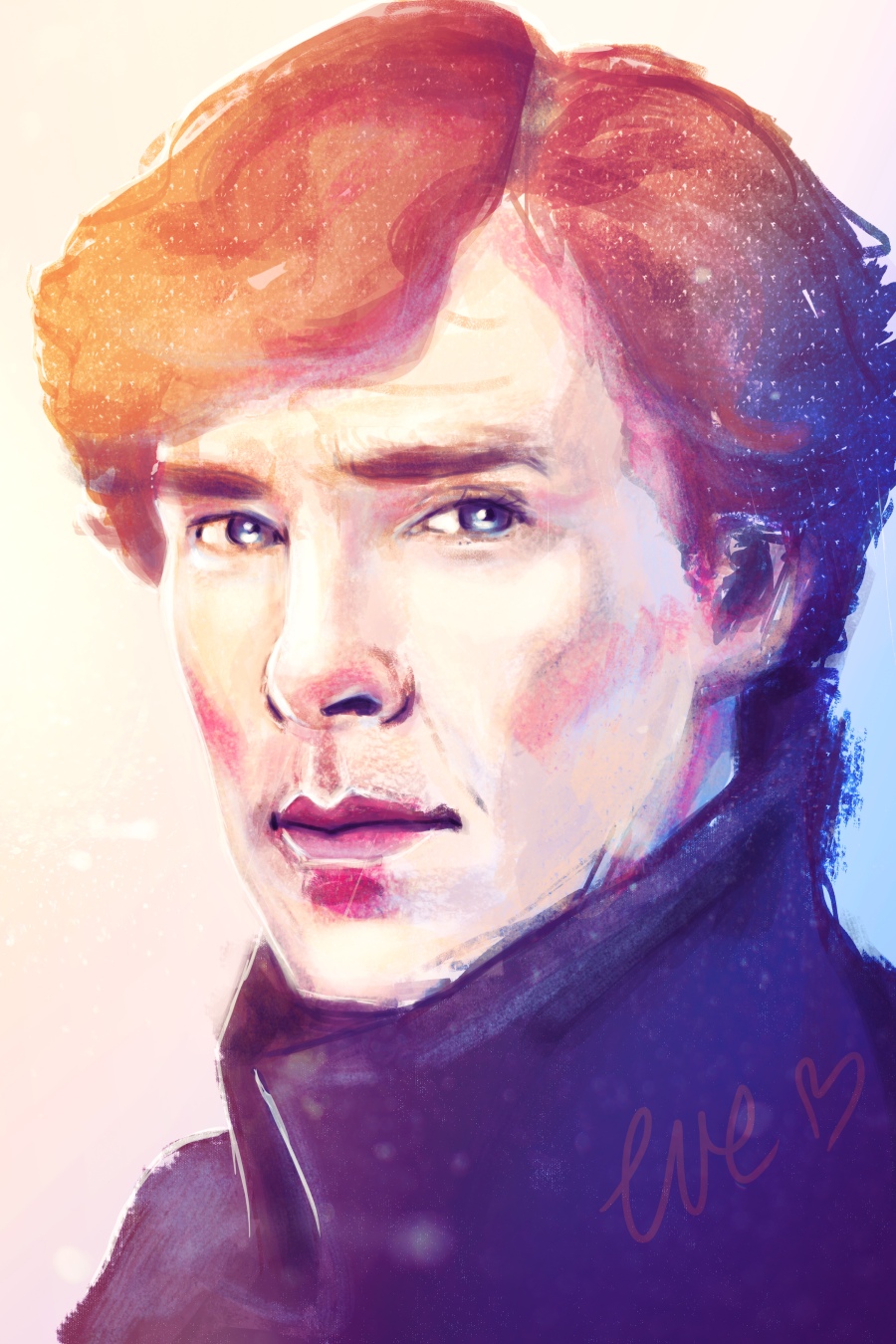
I recently bought an anual Adobe license, which provides a variety of programmmes for painting/editing. This portrait of Benedict Cumberbatch as Sherlock Holmes is one of the first drawings made in Photoshop CC (I worked with Photoshop CS4 before CC). Although roughly the same, I noticed that the CC version is easier in use. And my Wacom tablet somehow works faster, which is a big pro!

I also started working with Artrage, a digital art programme that actually uses traditional media. It works phenomenal! I will soon post a review, or perhaps a review video, about this programme.

New artprogrammes mean more art, so be sure to check my site regularly, as I will update new art soon!

Love, Eve

Smile – Charity

I am proud to present you the finished artwork for the charity auction. Smile! There are more details added to her face and changes were made in the colourpalette, but the original background structure was preserved. It was so much fun to paint and I really love this portrait.

SAMSUNG CSC

The event, a gala, took place in a beautiful hotel and I had a blast. A delicious dinner accompanied the charity auction, which was hosted by the famous Dutch ice skater Erik Hulzebosch. Ha, how awesome is that?!

I was more nervous than I dared to admit at the time. My nerves were severely tested once it became clear that I had to enter the stage as well… Luckily I didn’t trip (high heels aaah) and I believe I gave a proper introduction to the artwork. The portrait (with many thanks to mr. Hulzebosch who did a splendid job as an auction host) got a new owner in no time. Also many thanks to this new owner, this means the world to me!

All the funds that were raised, will be donated to a program in a medical clinic in West-Africa.

I am very grateful that I got the oppurtunity to help this charity by donating an artwork. Would do it again in a heartbeat.

Love, Eve